
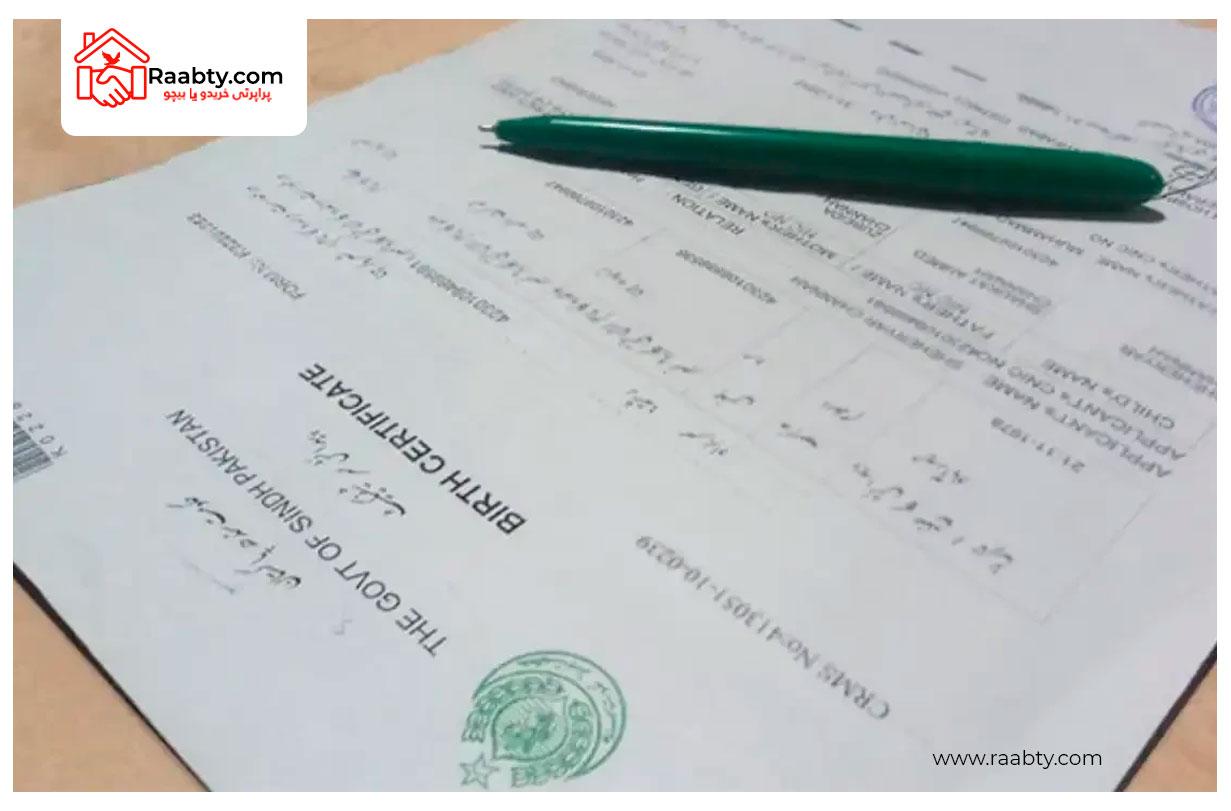
In Pakistan, the B-Form, officially known as the Child Registration Certificate (CRC), is an essential document issued by NADRA for children under the age of 18. Parents need it for school admissions, passport applications, medical services, and many legal processes. With NADRA’s digital services expanding, many people now look for convenient ways to apply for the online B-Form. This guide explains the full NADRA B-Form requirement, how to apply online, the necessary documents, fees, and tracking options.
What Is a NADRA B-Form?
A B-Form is a computerized identity document issued by NADRA for Pakistani children who are below 18 years of age. It contains the child’s name, date of birth, gender, parents’ names, and unique registration number.
Many people also ask what is CRC in NADRA. CRC stands for Child Registration Certificate, which is the official NADRA term for the B-Form.
NADRA B-Form Requirement – What You Need to Apply
If you are planning to apply for your child’s B-Form, here are the essential NADRA B-Form requirements:
1. Parent’s CNIC or NICOP
Both mother and father must have valid CNIC/NICOP for verification.
2. Child’s Birth Certificate
A birth certificate issued by the Union Council or hospital is usually required. This helps verify the child’s exact date of birth.
3. Parents’ Presence
At least one parent must be present during the application and give biometrics.
4. Photographs
NADRA staff will capture your child’s image on the spot, but many people still search for NADRA B-Form pictures for reference. NADRA only uses live pictures taken at the center.
5. Verified Information
All details must match official records. Any mismatch requires correction from the respective department before applying.
These are the basic documents required for B-Form, whether you apply online or physically at a NADRA Registration Center.
How to Make B-Form Online – Step-by-Step Guide
Many parents prefer the comfort of applying from home through NADRA’s online portal. Here is how you can apply for how to make B-Form online:
Step 1: Visit Pak Identity Website
Go to the official NADRA online portal and create your account.
Step 2: Select CRC (Child Registration Certificate)
Choose the service for applying for an online B-Form.
Step 3: Upload Required Documents
Scan and upload:
- Parents’ CNIC/NICOP
- Child’s birth certificate
- Any additional supporting documents
Step 4: Pay the Fee Online
Use a credit/debit card or digital payment method.
Step 5: Submit Application
Once submitted, NADRA will review your details. If approved, you can download NADRA B-Form online in PDF format.
The online method saves time and avoids long queues.
NADRA B-Form Fee & CRC NADRA Fee
Many parents want to know the cost of a B-Form. The fee varies depending on the type of service:
Normal Fee
The standard CRC NADRA fee is affordable and usually processed within 10–14 days.
Urgent Fee
If you need it quickly, you can select the urgent option.
Executive Fee
Executive centers process applications faster and offer better facilities.
If you are applying for the birth certificate first, you should also know the birth certificate NADRA fee, which is separate and varies by Union Council.
NADRA B-Form Tracking – Check Status Online
After submitting your application, whether online or at the office, you can easily monitor your status through NADRA B-Form tracking. Simply log into the Pak Identity portal, open your application page, and view updates. You will be notified whether your application is under review, approved, or ready for download.
NADRA B-Form Download Online
After approval, the online portal allows you to download NADRA B-Form online directly. You will receive a digital copy, and NADRA will also send the physical document to your address.
Why Is the B-Form Important?
A B-Form is required for:
- School admissions
- Passport and visa applications
- CNIC creation at age 18
- Health services and insurance
- Legal identification
Without a B-Form, a child cannot be officially registered in Pakistan’s identity system.
Final Thoughts
The NADRA Child Registration Certificate (B-Form) is a crucial identity document for children in Pakistan. With NADRA’s online services, parents can now easily apply from home without visiting the office. Always ensure you meet all NADRA B-Form requirements, have all necessary documents, and cross-check the details before submitting your application. Whether you want to apply, check the fee, track your form, or download it, NADRA has made the entire process more streamlined than ever.
FAQs
1. What documents are required for B-Form?
The main documents required for B-Form include parents’ CNIC/NICOP, child’s birth certificate, and live photographs taken at NADRA.
2. What is CRC in NADRA?
CRC stands for Child Registration Certificate, which is the official name for the B-Form.
3. How to make B-Form online?
You can apply through the Pak Identity portal by providing documents, paying the fee, and submitting the form electronically.
4. Can I download NADRA B-Form online?
Yes, once approved, you can download NADRA B-Form online from your account dashboard.
5. How can I track my NADRA B-Form application?
Use the Pak Identity website to check NADRA B-Form tracking and see the current status of your application.